So… Is iTunes still valuable in 2025? Yes, for the right user. If you are on Windows with a big local library, buy downloads, or manage audiobooks/podcasts in one place, iTunes still offers real value. If you’re on a modern Mac or you primarily stream, iTunes itself isn’t part of your life anymore, and that’s by design.
Below is a practical, 360° look at where iTunes fits today, what it still does well, where it’s been replaced, and how to decide what’s right for you.
How We Got Here
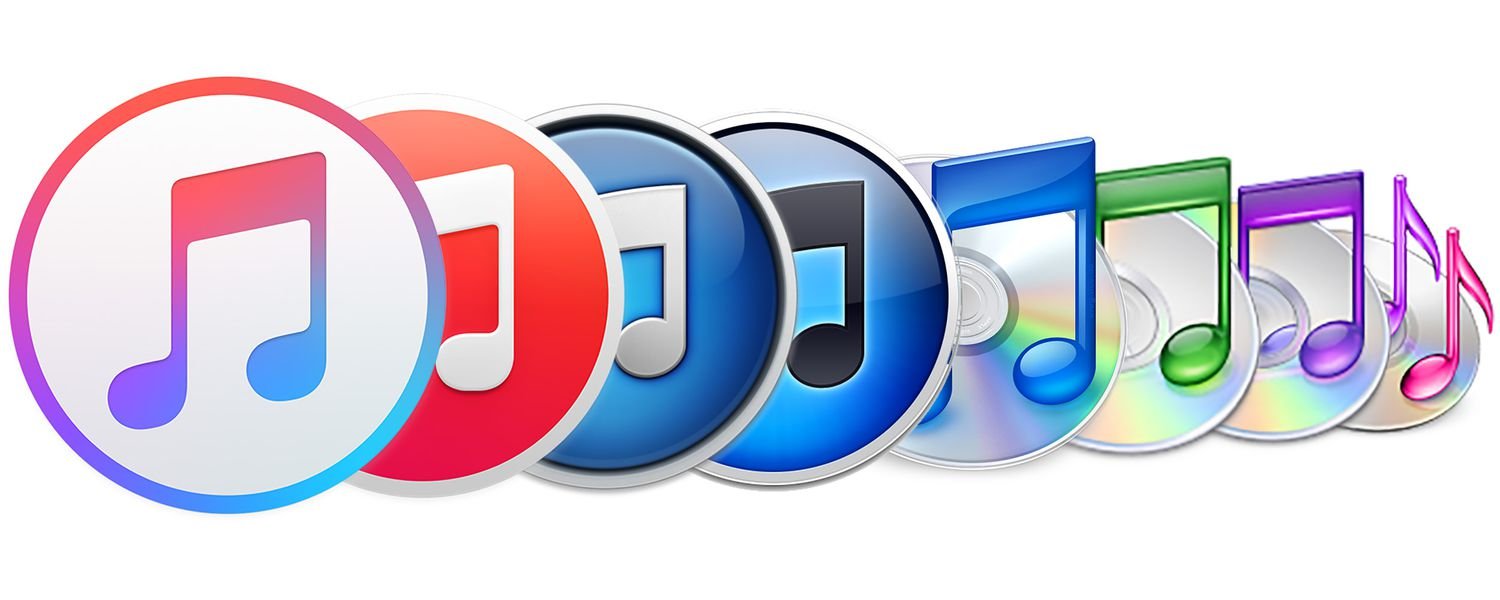
iTunes began in 2001 as a simple jukebox for your MP3s. Over time, Apple bolted on the iTunes Store (2003), iPod syncing, movies/TV rentals, podcasts, iOS backups, and more. By 2019, it was too many apps for one icon, and Apple split them on the Mac into Music, TV, and Podcasts, moving device syncing to Finder.
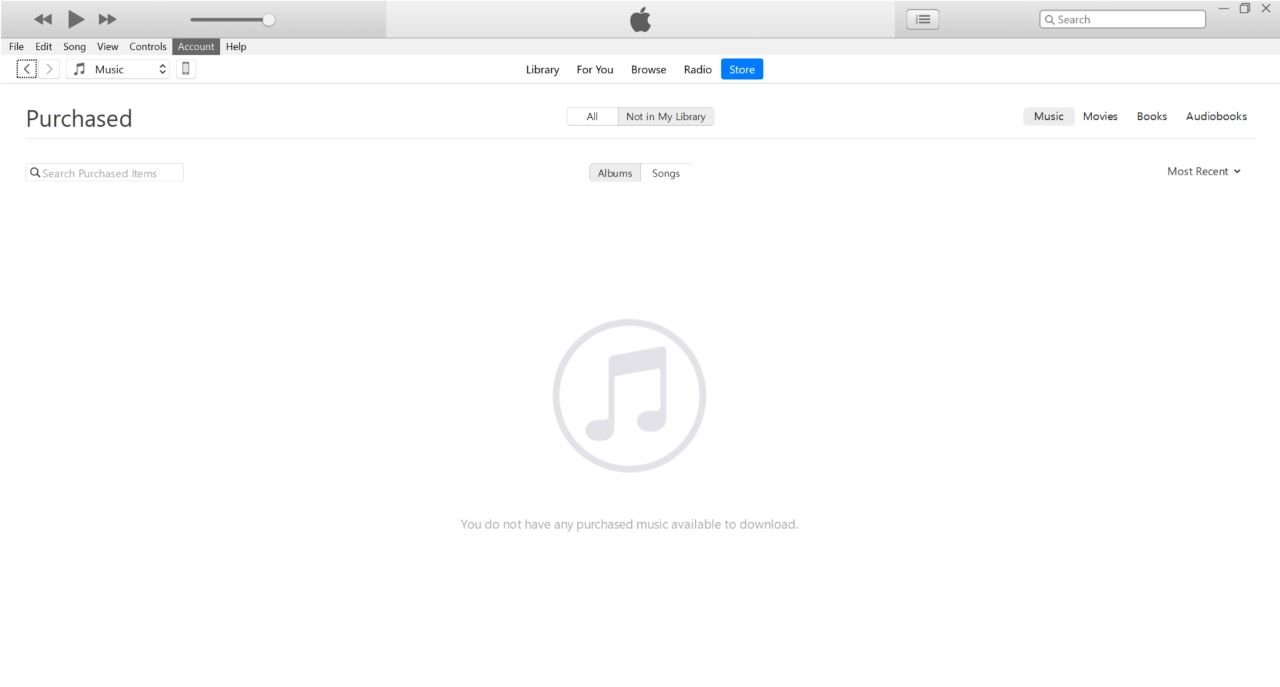
On Windows, the transition has been gradual. As of 2024–2025, Apple’s Apple Music, Apple TV, and Apple Devices apps are the intended replacements. Install them, and iTunes becomes a Podcasts & Audiobooks hub; don’t install them, and iTunes continues to handle your music, videos, purchases, and syncing.
What iTunes Actually Does in 2025
On Mac (Catalina and later)
- No iTunes. You use Apple Music for music, Apple TV for videos, Apple Podcasts for podcasts, and Finder to sync/backup iPhone/iPad.
On Windows
- If you’ve installed Apple Music/TV/Devices
- If you haven’t installed them:
| Task | Mac (Where to Click) | Windows (Where to Click) |
| Music | Apple Music (Launchpad > Apple Music or Dock) | Apple Music (Microsoft Store > Apple Music) |
| TV/Movies | Apple TV (Launchpad > Apple TV or Dock) | Apple TV (Microsoft Store > Apple TV) |
| Podcasts | Apple Podcasts (Launchpad > Apple Podcasts or Dock) | iTunes (Microsoft Store > iTunes) |
| Audiobooks | Apple Books (Launchpad > Apple Books or Dock) | iTunes (Microsoft Store > iTunes) |
| Device Management | Finder (Sidebar > Device under Locations) | Apple Devices (Microsoft Store > Apple Devices) |
Who Still Benefits from iTunes?
a) Windows users with large local libraries
If you’ve spent years curating MP3 collections, rating tracks, and managing metadata, iTunes remains a robust librarian with smart playlists, sorting, artwork editing, and local file control are still strong points. It’s familiar and powerful.
b) People who buy music (not just stream)
The iTunes Store (via iTunes or the Music app) still sells downloadable tracks/albums you can back up and keep, independent of any subscription. For collectors, DJs, or anyone who wants a permanent library outside streaming licenses, that’s real value.
c) Podcasts and Audiobooks on Windows
If you’ve installed the new Windows apps, iTunes becomes your place for Podcasts & Audiobooks, handy if you like everything in one legacy window while the newer apps handle music/video and devices.
d) Older devices and workflows
If you manage an older iPod or maintain a specific wired syncing routine, sticking with iTunes on Windows can be smoother than jumping to the new set of apps immediately.
Where iTunes Is Not Valuable Anymore
On modern Macs
There is no iTunes; your day-to-day will be Music/TV/Podcasts/Finder, and that’s fine. The experience is cleaner, and backups, sync are straightforward in Finder.
If you’re all in on streaming
The market has shifted decisively to streaming (Spotify, Apple Music). Apple is investing here, e.g., Apple Music radio stations now distributed via TuneIn to reach new listeners, a sign that subscriptions and streaming engagement are the growth focus. If you rarely buy downloads, the iTunes Store and iTunes as a concept matter far less to you.
iTunes vs Apple Music/TV/Devices on Windows: Which Should You Use?
A. Stay on iTunes (Do Nothing)
- Pros: One app for almost everything; familiar; keeps legacy features and workflows intact.
- Cons: Aging interface; Apple’s future features land in the new apps first; device support may become patchy over time as Apple focuses on Apple Devices for management. (Apple watchers anticipate iTunes will see fewer updates/features.)
B. Install Apple Music/TV/Devices
- Pros: Modern UI; clearer app roles; better long-term support; features aligned with Apple’s roadmap. iTunes remains for Podcasts & Audiobooks, so you don’t lose access to those.
- Cons: You’ll juggle multiple apps; there are still occasional complaints about quirks in the early Windows rollout (especially with libraries/home sharing).
Recommendation: If you’re starting fresh or ready for a future-proof setup on Windows, opt for Apple Music/TV/Devices and keep iTunes for podcasts and audiobooks only. If you’re mid project or rely on niche iTunes features, ride the classic iTunes train a bit longer, just know you’ll switch eventually.
The iTunes Store is Still Around, Still Useful
Despite the iTunes is dead headlines back in 2019, Apple made it clear, the iTunes Store remains. You can still buy tracks and albums inside Apple’s Music app or iTunes on Windows. This matters if you want ownership (downloads you can back up) or if you collect lossless purchases for DJing/archiving.
Where Did iTunes Go? (Mac User Quick Refresher)
- Music app: your local library, Apple Music streaming, iTunes Store for music.
- TV app: your movies/TV purchases and Apple TV+.
- Podcasts app: your podcast subscriptions.
- Finder: device sync, backups, restores (iPhone/iPad/iPod).
If you’re returning to Mac after years away, this split might feel odd, but most users find it less cluttered and more stable than the old all-in-one iTunes. (If you must transfer files outside Photos/Books/Music, Finder’s file sharing panel is your friend.)
How to Migrate (or Not) Without Pain for Windows Users
1. The new way.
- Install Apple Music: handles music, Apple Music streaming, and iTunes Store for music.
- Install Apple TV: handles video.
- Install Apple Devices: for iPhone/iPad backups/restores/sync.
- Keep iTunes for Podcasts & Audiobooks (or until Apple provides separate modern apps).
2. You want to stay on iTunes for now.
- Don’t install the new apps; iTunes continues to handle your media and device tasks like before. If you later install Apple Music/TV, expect iTunes to switch roles (podcasts/audiobooks only).
Pro tip: If your PC suddenly shows only Podcasts/Audiobooks in iTunes, you (or Windows Store) probably installed Apple Music/TV. That’s expected behavior. Uninstalling those apps restores full iTunes functionality, but consider the long-term tradeoffs.
Why iTunes Isn’t the Center of Gravity Anymore
The music industry is subscription first. Apple is aggressively growing Apple Music, even pushing its curated radio channels beyond its own ecosystem via TuneIn to reach more listeners. This aligns with Apple’s goal: drive subscriptions, not downloads.
Does that make the iTunes Store obsolete? Not quite. It’s a niche but important option for people who prize ownership, certain audio workflows, or gaps in streaming catalogs.
Is iTunes Worth It in 2025?
For Mac (Catalina+)
- Do you need iTunes? No, it doesn’t exist. Use Music/TV/Podcasts/Finder.
- Is there value you’re missing? Not really; Apple intentionally unbundled tasks to simpler apps.
For Windows
- I love streaming and a modern UI.
Install Apple Music/TV/Devices; keep iTunes just for podcasts/audiobooks. - I have a massive local library and fragile workflows.
Stick with iTunes for now; plan a staged migration later. - I buy downloads to own.
Either path works, but the iTunes Store (via Music/iTunes) remains viable. - I manage older iPods or need wired sync quirks.
iTunes can still be simpler, though Apple’s long-term focus is the new Windows apps.
Practical Tips to Get the Most Value Today
- Back up your library metadata (ratings, play counts, playlists) before any big change.
- Consolidate your media so files live in one place (iTunes/Music settings).
- If you stream, download key playlists/albums for offline access, but keep a folder of purchased, DRM free tracks you truly want to own long term.
- On Mac, learn Finder device panels (Backups, Restore, File Sharing). It replaces everything you did in iTunes for devices.
- On Windows, accept the multi-app model: Music for music, TV for video, Devices for backups; iTunes for podcasts/audiobooks, until Apple ships more modern replacements.
Common Questions
Qn: Did Apple shut down the iTunes Store?
Ans: No. The iTunes brand/app was split on Mac, but the iTunes Store still exists inside Apple’s Music app (and in iTunes on Windows) to buy downloads.
Qn: If I install Apple Music/TV/Devices on Windows, can I still use iTunes?
Ans: Yes, but only for Podcasts & Audiobooks (and certain legacy bits). That’s how Apple designed the transition.
Qn: Where do I sync my iPhone on a Mac?
Ans: In Finder (not iTunes). It’s similar to the old iTunes sync interface.
Qn: Is Apple abandoning downloads?
Ans: Apple’s business momentum is clearly with subscriptions (Apple Music). But downloads/purchases via the store remain available and supported.
Who Should Still Care About iTunes?
- Windows power users with large local libraries, meticulous metadata, and legacy devices.
- Buy-to-own collectors/DJs who treat downloads as assets.
- Podcast/audiobook listeners on Windows who prefer the legacy iTunes interface (for now).
For everyone else, especially Mac users or stream-first listeners, iTunes isn’t part of the equation anymore. Apple deliberately modernized the experience. On Windows, the baton is gradually passing to Apple Music/TV/Devices, and you’ll get the most long term value by embracing that setup.
Choose Your Path
If you’re on Mac (Catalina or newer)
- Use Music for your library/streaming, TV for films/series, Podcasts for shows, and Finder for device management. That’s the supported, future-proof path.
If you’re on Windows and want the future-proof model
- Install Apple Music, Apple TV, and Apple Devices from the Microsoft Store.
- Let iTunes handle Podcasts & Audiobooks.
- Verify your backups in Apple Devices and migrate playlists to Apple Music.
If you’re on Windows and want to stay on classic iTunes
- Don’t install the new apps. Keep your library tidy, back up regularly, and be aware that Apple’s new features will land elsewhere first. (You can switch later with minimal drama if you keep a consolidated, well-tagged library.)
In Conclusion
For many modern users, iTunes has already served its purpose and gracefully stepped aside for cleaner, modular apps. But for a sizable group of Windows users and media collectors, iTunes is still a reliable, capable workhorse that anchors real world workflows Apple hasn’t fully replaced yet.
If you’re choosing today, lean into the new apps unless you truly need legacy features. That’s where Apple’s attention and updates are going and where your setup will age best.